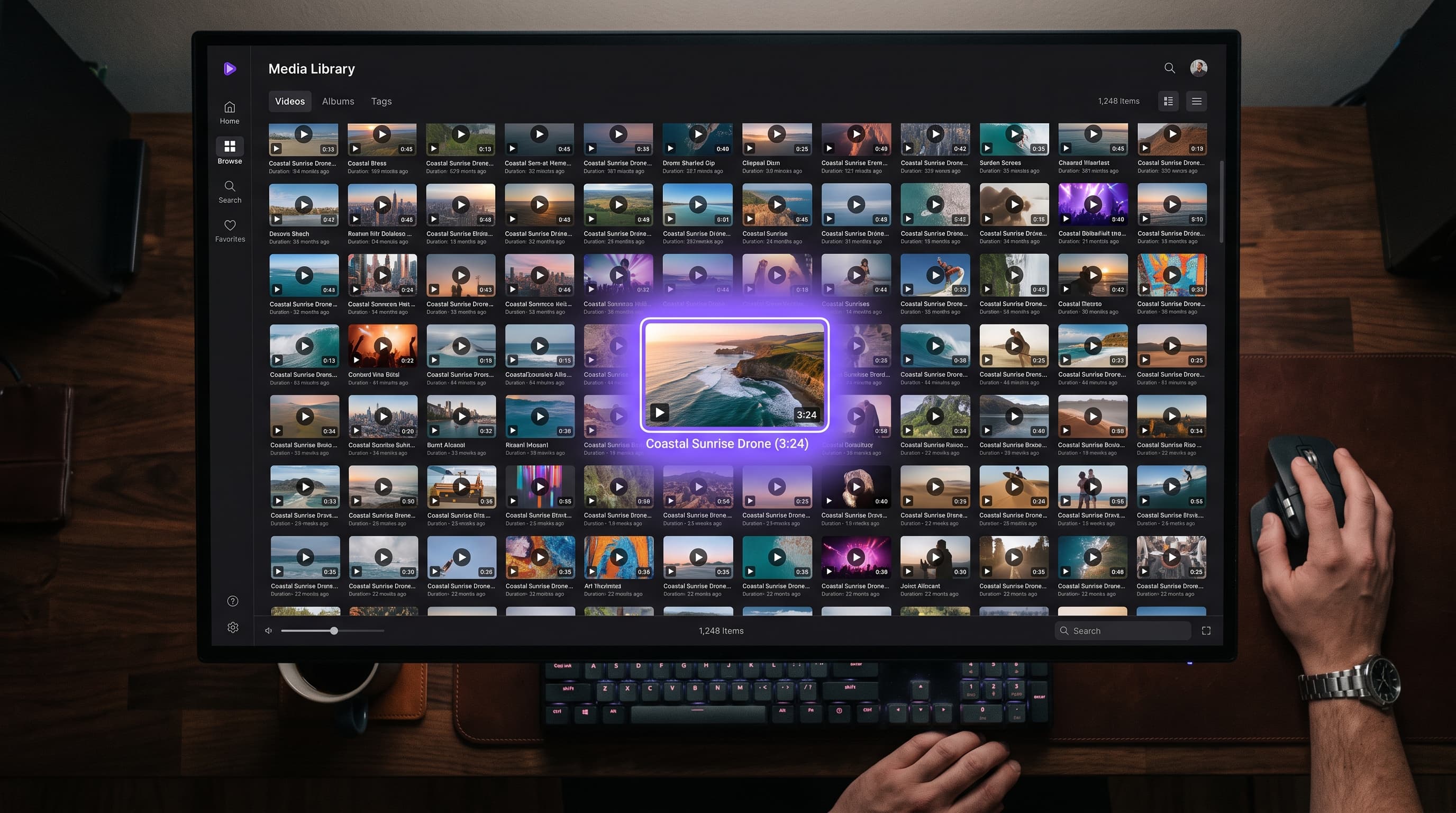
One pipeline, script to screen
Everything VeXyllo AI does, in the order you'll actually use it, from a raw idea to rendered clips.
- 1
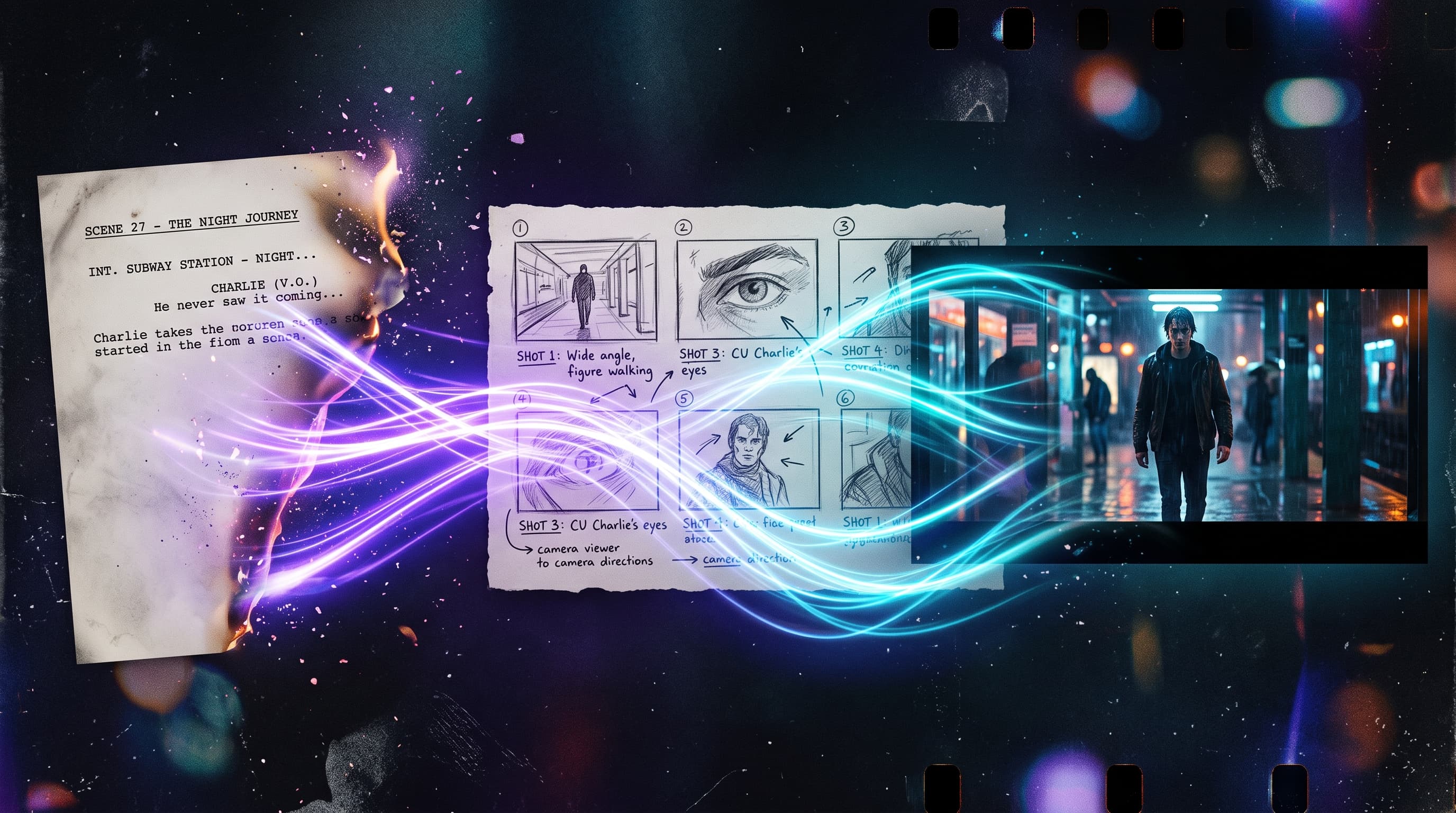
Script generation & editing
Write from a one-line idea, upload an existing script, or paste one in, then keep refining it with AI-driven edits and enhancements until it's ready to break down into scenes.
- 2
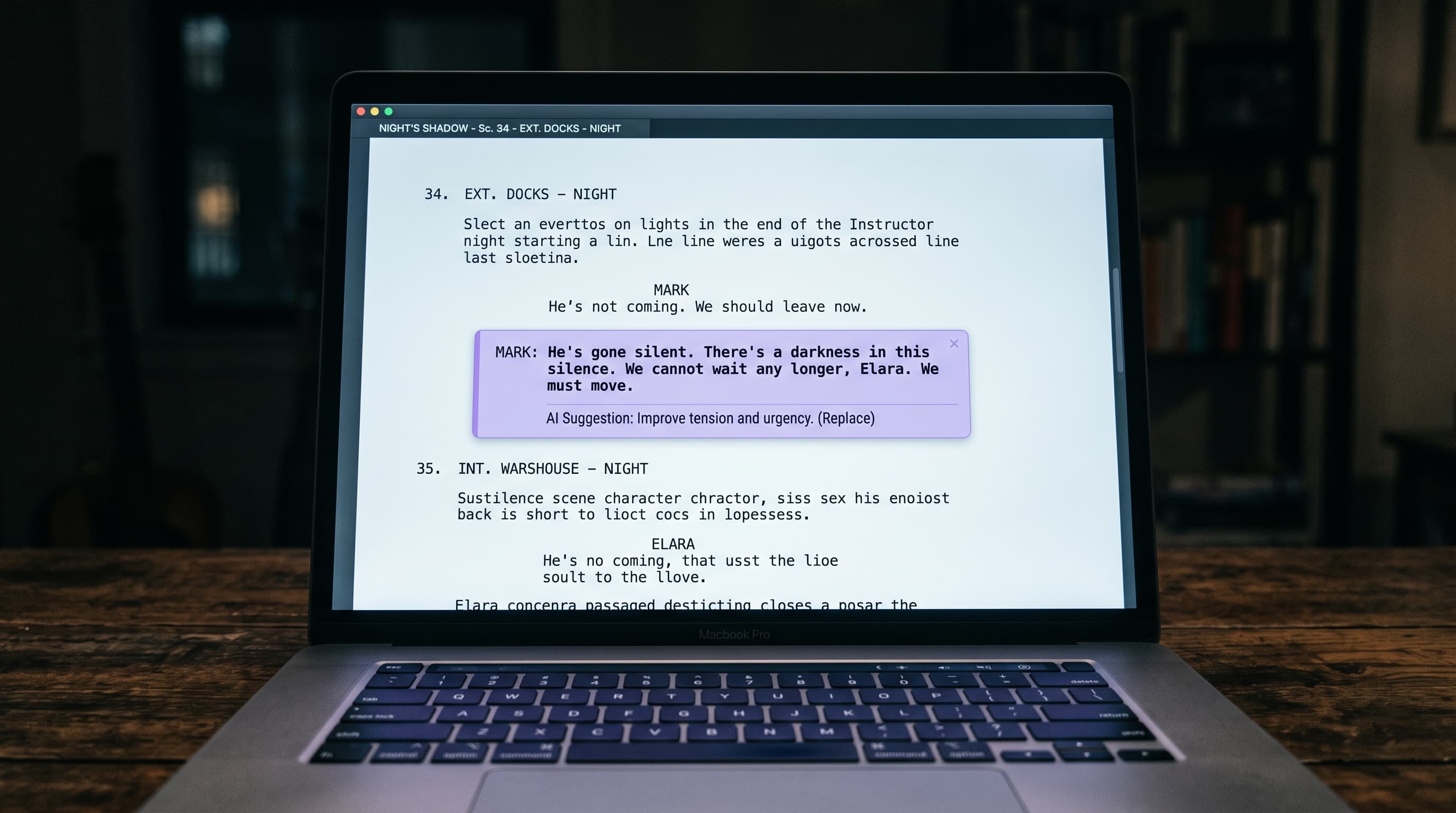
Scene breakdown
Turn a finished script into a structured breakdown, the way an Assistant Director would: each scene gets its own summary, dialogue, estimated duration, and the characters, locations, and props that appear in it, wardrobe notes included.
- 3
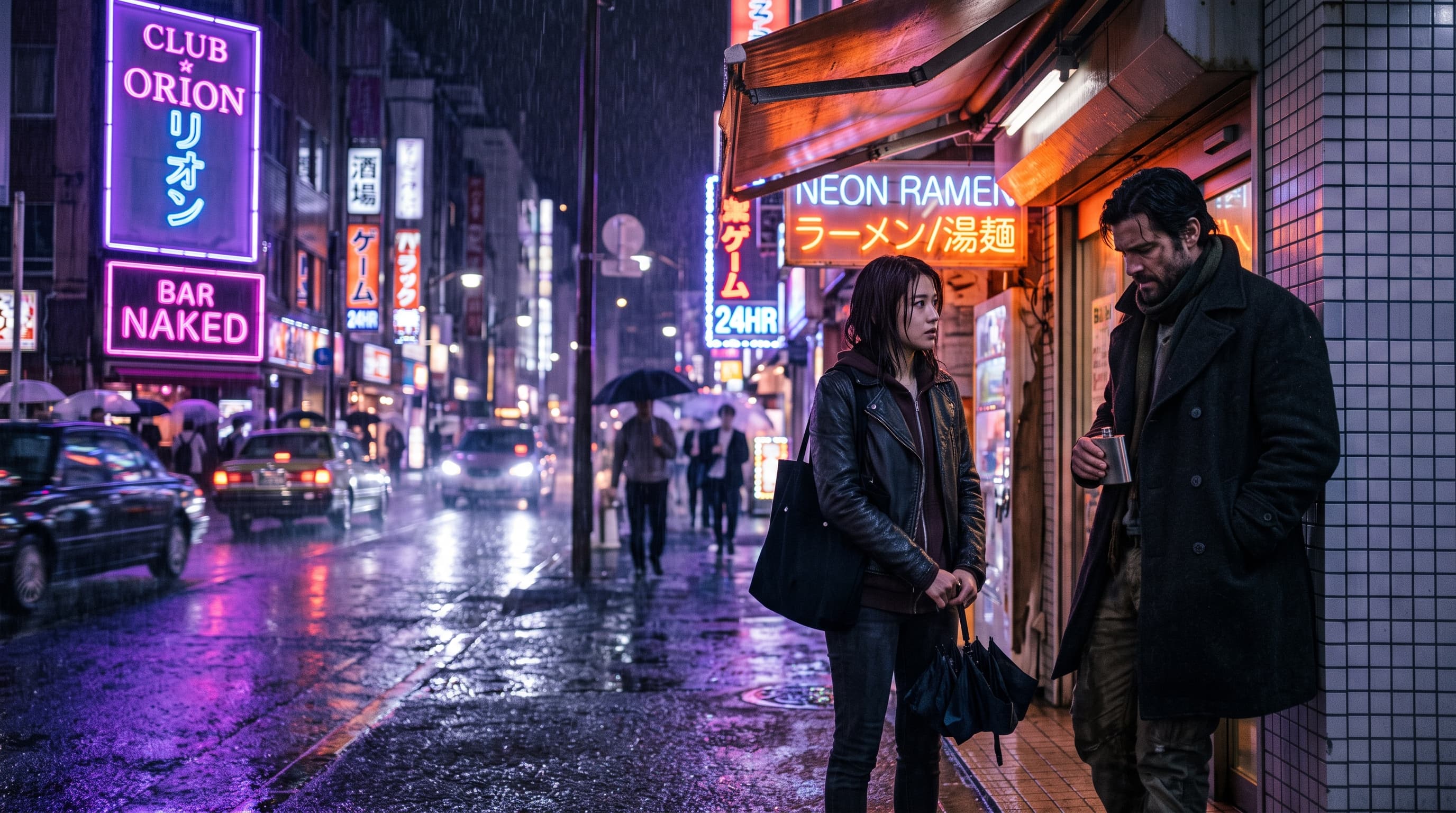
Scene & character images
Generate a combined scene image per scene, or freeform text-to-image panels, with batch generation and reference-image support so recurring characters and locations stay visually consistent.
- 4
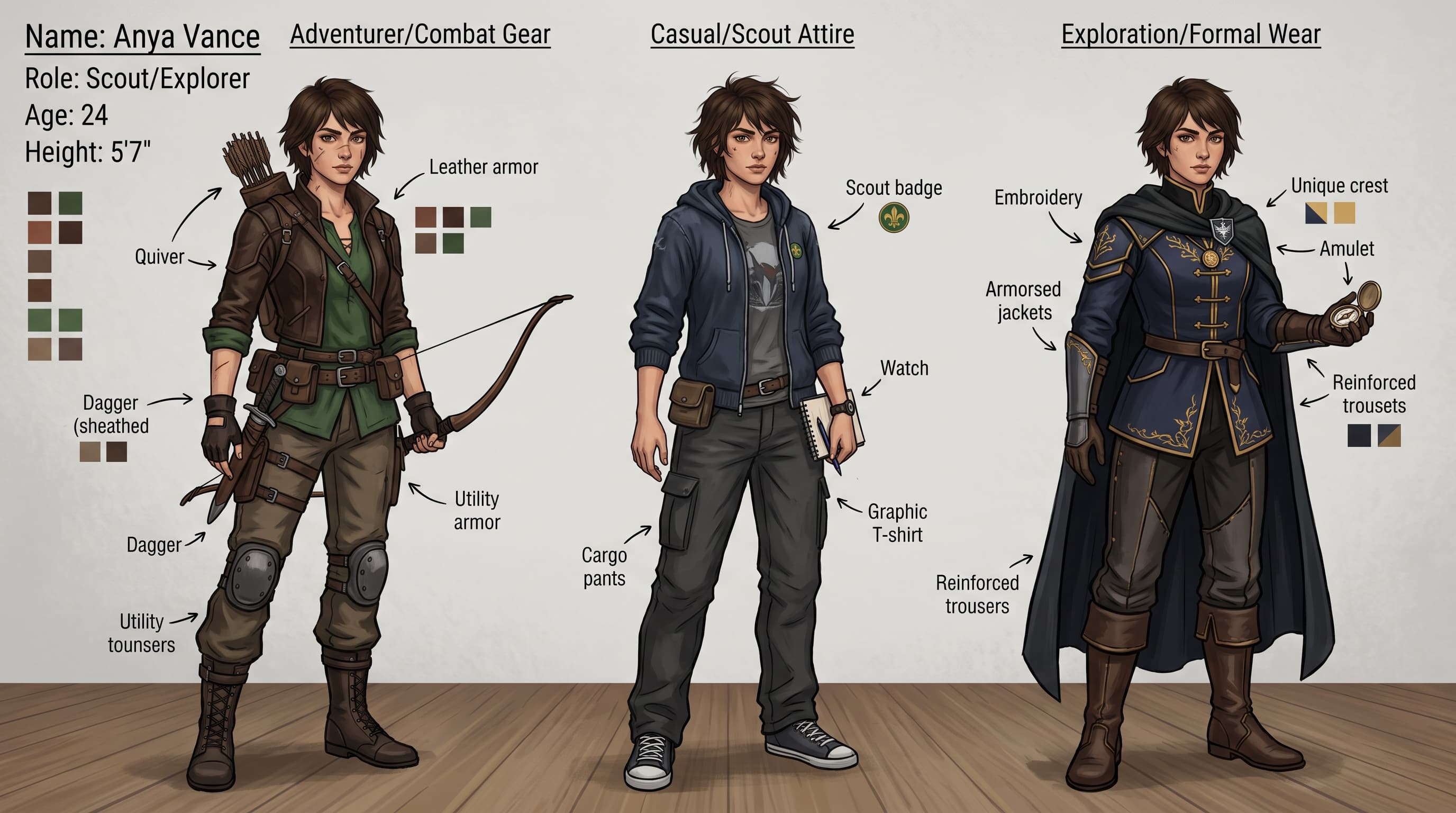
Character library
Build out a character (or location, or prop) once, generate a reference sheet, save multiple outfit/variant images, and reuse it across every scene and shot with a simple @mention in your prompt.
- 5
Video generation
Turn a still into motion: image-to-video and character-referenced video generation, with duration and resolution controls tuned to what the underlying model actually supports.
- 6
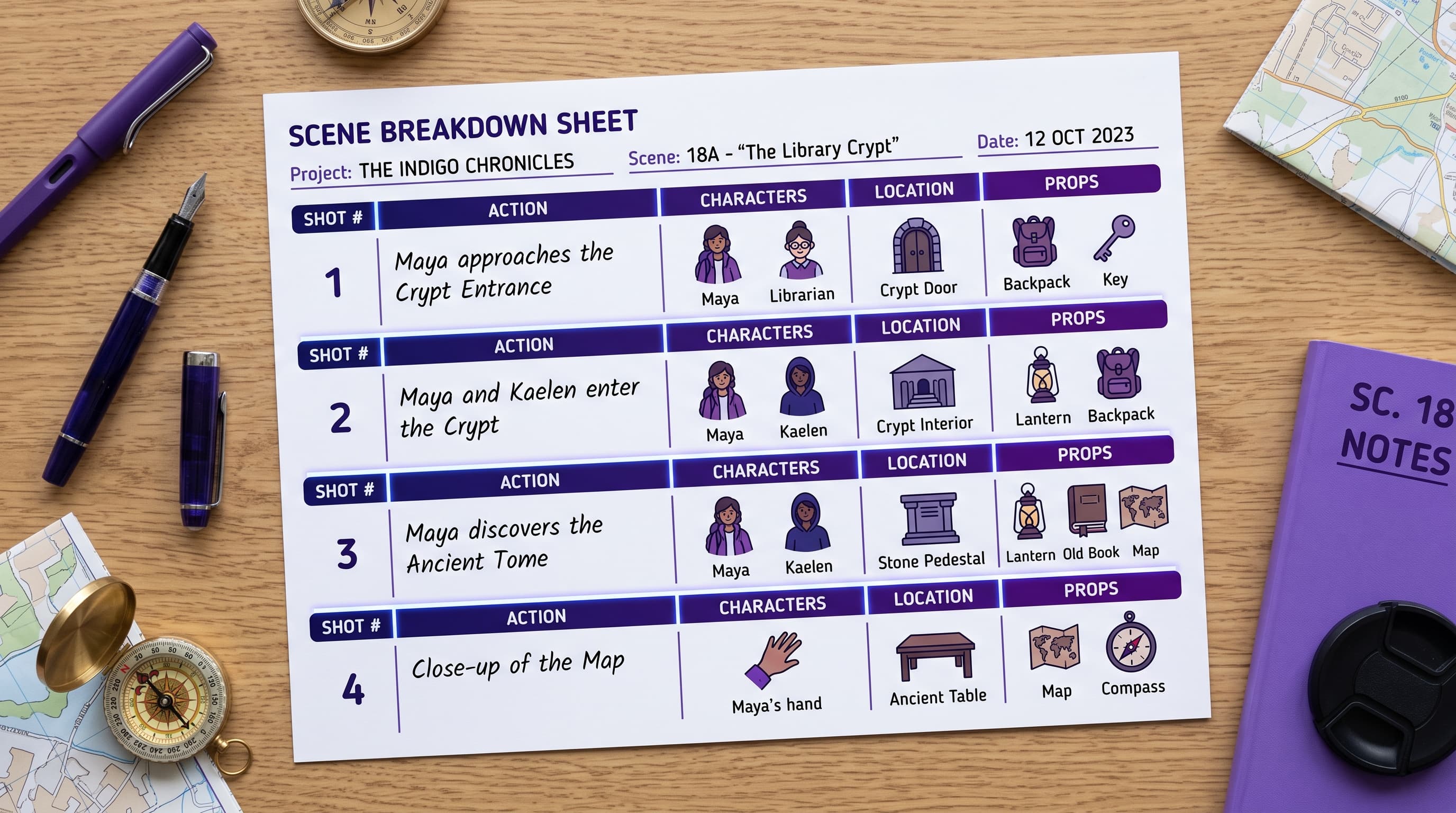
Media library
Every image and clip you generate, across scenes, characters, and freeform prompts, lands in one searchable, realtime-updating media library for the project.